Controllable Webcams: How Public Pan-Tilt-Zoom Cams Work
A controllable webcam is a public camera whose operator lets viewers move it: pan left and right, tilt up and down, or zoom in. Real viewer control is rarer than the label suggests, it is almost always limited, and it is not the same thing as a panorama that sweeps on its own or a webcam you buy for video calls. This guide explains how the control works, how to spot it, and how to use it responsibly when you plan a trip or check an outdoor spot.
GlobeWebcamsExplore Public Webcams ResponsiblyBrowse public or authorized webcams by location, country, category and source, with provider-linked pages for travel and outdoor conditions.Explore webcams on the mapTL;DR
- A controllable webcam is usually a pan-tilt-zoom (PTZ) camera whose operator allows viewers to steer it within set limits.
- Expect shared, temporary control: presets, resets after inactivity, queues, or an operator who can override you.
- Rotating cameras, panoramas and still images that refresh are not the same as viewer control. Check what the provider says.
- Only use cameras that are public or explicitly authorized, and only the controls on the provider’s own page. Never point a camera at private property.
- Treat a controllable view as a supplement to official forecasts, road reports and safety notices, never a replacement.
Table of Contents
- What “controllable” actually means
- How public control is limited, and why
- Public and authorized feeds versus exposed cameras
- How to find controllable webcams for a trip or outdoor plan
- Where controllable cameras tend to show up
- Reading a controllable view with care
- Where GlobeWebcams fits
- Frequently asked questions
- Sources
What “controllable” actually means
The search term covers two quite different things.
A public destination camera that viewers can steer. A harbor, a ski area, a city intersection or a wildlife site installs a PTZ camera and opens some control to the public. This is what most travelers and outdoor fans are looking for.
A webcam you own and operate. Consumer PTZ webcams for meetings and streaming can offer features such as 4K capture, AI tracking, gesture control and voice control. Those controls steer your own camera on your own desk. They have nothing to do with moving a camera on a mountain or a pier.
This article is about the first kind. If you came to buy a webcam for your desk, you want a hardware review, not a directory.
Within the first kind, there are also several look-alikes worth separating:
| Type | Does the viewer steer it? | What you get |
|---|---|---|
| Viewer-controlled PTZ | Yes, within limits | Pan, tilt and/or zoom buttons on the provider’s page |
| Preset-based | Partly | A menu of fixed viewpoints you can switch between |
| Automatic rotation or tour | No | The camera cycles through views on its own |
| Panorama | No | A wide stitched image, refreshed at intervals |
| Fixed camera | No | One framing, live video or periodic stills |
The distinction matters. Roundshot’s own description of its panoramic systems says they can scan up to 360 degrees and produce a panorama every 10 minutes, with some installations running from sunrise to sunset. That is excellent for landscape context, but it is a scheduled capture, not a camera you steer, and not a view of this exact moment.
How public control is limited, and why
If you expect a joystick and unlimited freedom, you will be disappointed. Public control is bounded on purpose, and the reasons are practical.
The City of Seattle’s camera control protocol for its transportation cameras is a clear example of the design logic. Its cameras serve traffic management, incident response and traveler information. The protocol describes a home preset the camera returns to after five minutes of inactivity unless someone has locked it, and it lets a higher-priority user take control. It also requires users to notify the operations center before taking control of a camera. That is one agency’s rulebook, not a universal standard, but the pattern is common:
- A home view. The camera has a default position that serves its main purpose, such as a road, a beach or a summit.
- Inactivity resets. If nobody touches the controls, the camera goes home so the next viewer sees the intended scene.
- Priority. The operator, or someone with a more urgent need, can override casual viewers.
- Limits on range. Some directions or zoom levels may be blocked.
So if you open a controllable cam and the view snaps back after a few minutes, or the buttons are greyed out because someone else is driving, nothing is broken. That is how shared public control is meant to behave.
Why privacy is part of the design
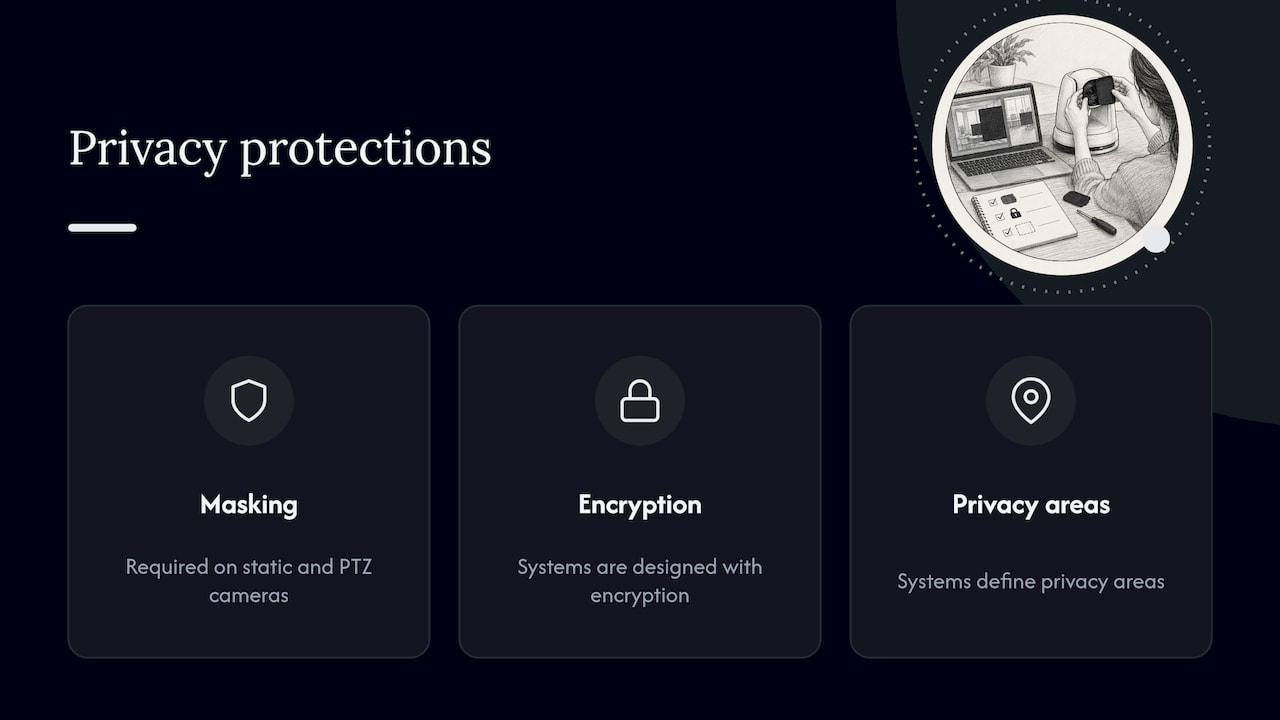
A camera that moves can see more than a fixed one, so responsible operators build in protections. Ireland’s technical specification for authorized public-place CCTV says systems must use privacy masking on static and PTZ cameras and be designed with encryption and defined privacy areas. It also covers weather exposure, secure updates, mounting, transmission, retention and cybersecurity. That document governs police-authorized CCTV in Ireland, not tourist webcams, but it is a useful benchmark: a credible controllable feed is the result of engineering and policy, not just a camera with a web player.
The practical rule for viewers: the ability to move a camera shows that the operator enabled access. It is not permission to look into windows, yards or private areas, or to follow identifiable people. If a view drifts toward private property, steer away.
Public and authorized feeds versus exposed cameras
Some corners of the internet publish lists of cameras found by scanning for devices with default or missing passwords. Those cameras were never meant to be public. Watching or steering them is a privacy problem for the people in view, and in many places a legal one for the viewer. We do not list such cameras, and we suggest you avoid sites that do.
A legitimate controllable webcam has these marks:
- It sits on the page of a named operator: a transportation agency, a resort, a port, a tourism board, a research site or a business that chose to publish it.
- The controls are built into that page, not into a link to a raw device address.
- The page states what the camera is for, and often has terms of use.
- The view is a public place where people would reasonably expect to be seen from a distance, such as a harbor, a plaza, a trailhead or a mountain.
If a camera fails these tests, skip it, however easy it is to move.
How to find controllable webcams for a trip or outdoor plan
Here is a workflow that works whether you are checking a coastline before a visit or scouting a city view.
- Start with a place or a purpose. “A harbor in Maine” or “a ski base in Switzerland” beats a generic search for controllable cams. Control is a property of individual cameras, so you need candidates first.
- Filter for control capability. Look for a note on manual pan, tilt or zoom, presets, automatic rotation, or no control. Be wary of any listing that does not say.
- Open the original provider. The controls, the timestamp and the operating notes live on the operator’s page, not in a directory.
- Read the timestamp and notes. Is the image updating? Does the camera work only in daylight? Is there a stated refresh interval?
- Use only the on-page controls. If the provider asks you to take control in a particular way or follow rules, follow them.
- Check official sources for any decision. Weather, snow, surf, roads and safety all have official services. Use them.
On our site, the worldwide webcam map lets you browse by location and category and then follow the link to the original provider. Country pages such as United States webcams, Canada webcams and Switzerland webcams are a good starting point for scenic and weather-oriented views.
Where controllable cameras tend to show up
We will not promise that any specific camera has controls today, because operators change settings, switch cameras off for maintenance and replace hardware. What you can say in general is which kinds of places tend to use PTZ cameras, and what to watch for in each.
Coasts, harbors and islands
Ports and waterfronts often use PTZ cameras because the interesting action is spread over a wide area: boats, tides, fog banks, a lighthouse. Zoom helps with identifying conditions on the water, but haze, salt on the lens and low sun can mislead. Our guides on coastal webcams, harbor webcams and island webcams explain how to verify the source and timestamp before trusting a view.
Nature and wildlife
Wildlife cameras sometimes allow movement, but many operators keep control with staff so animals are not disturbed and the feed stays on the main subject. If you see a preset list rather than a free joystick, that is a sign of careful operation. See how to check whether a wildlife feed is live, and our overview of reliable nature webcams worldwide.
Transport and traffic
Road and rail cameras are the classic case for restricted control, since their purpose is public information and operations. The Seattle protocol above comes from this world. A traffic camera that you can nudge is still a snapshot of one spot, and it can be delayed or obstructed. For travel decisions, rely on the road authority’s own status service. Our guides on train webcams and airport webcam views cover the verification steps for those feeds.
Mountains and panoramas
Alpine and scenic sites often use panoramic systems instead of steerable cameras. Those are valuable for planning, and some include weather metadata, but they are not viewer-controlled and they update on a schedule. Read the capture interval before assuming you are seeing the present moment.
Reading a controllable view with care
Moving the camera gives you more information, but not necessarily more certainty. Keep these limits in mind:
- Delay. Video and stills can lag. A timestamp on the page is the best evidence of freshness, and a missing one is a reason for caution.
- Obstruction. Rain on the lens, fog, snow build-up and glare can hide what you came to see.
- Framing. A camera pointed at the summit says nothing about the trailhead, and a view of one beach says little about the next.
- Control conflicts. Someone else may be driving. The view you see may not be the home view.
- Offline periods. Cameras go down for maintenance, power loss and network faults.
The point is simple: a webcam is one more piece of evidence. If you are deciding whether to drive a mountain pass, swim at a beach, launch a boat or hike a ridge, check the official forecast, road report, surf report or safety notice for that place, and use the camera to add context.
Where GlobeWebcams fits
GlobeWebcams is a directory and map, not an operator. We do not own or run the cameras we link to. Each page points back to the original provider, and we apply source-rights, availability and quality checks before publishing a webcam page. When a camera’s control is limited to presets or is automatic, the right answer is to say so rather than call it controllable, and to send you to the provider to use the controls there.
If you want to explore, open the GlobeWebcams map, pick a country or category, and follow the provider links. You can read more about the providers behind our listings on the sources page.
Frequently asked questions
Can anyone control any webcam online?
No. Only cameras whose operators deliberately enable public control can be steered, and even then the control is usually limited by presets, timeouts or priority rules. Cameras that can be moved because of weak or missing passwords are not public offerings, and you should not use them.
Why does the camera keep going back to the same view?
Many public cameras return to a home preset after a period of inactivity. The Seattle transportation protocol, for example, describes a return after five minutes without use unless the camera is locked. Other operators use their own timing, and some override viewers entirely.
Is a rotating or panoramic webcam the same as a controllable one?
No. A rotating camera moves on its own schedule, and a panorama is a wide image captured at intervals. Neither lets you decide where to look. Check the provider’s description for words such as manual control, presets or PTZ before assuming control.
Is it legal and ethical to move a public webcam?
If the operator provides the controls on its own page, using them as intended is generally what the operator expects. Rules differ by country and by operator, so read the provider’s terms. Avoid aiming at private property or identifiable individuals regardless of what the camera can do.
Is a controllable webcam the same as a PTZ webcam for my computer?
They share the technology but not the use. A desktop PTZ webcam is operated by its owner for calls and streaming, with features like tracking and gesture control. A public controllable webcam is a destination feed that an operator has opened to viewers.
Sources
- SDOT Camera Control Protocol, City of Seattle
- Technical specification for authorized CCTV, An Garda Síochána
- OBSBOT Tiny 3 series product information
- Roundshot panoramic webcam information
Recommended
Webcam availability and conditions can change without notice. GlobeWebcams does not operate most listed cameras; feeds and imagery remain under the control of their original providers. Do not rely on webcam imagery alone for weather, road, travel or safety decisions.