Stadium Webcams: What They Show and How to Verify a View

A stadium webcam is usually one of three things: a construction camera pointed at a venue being built, a fixed camera on a nearby building or tower that happens to see the stadium, or a venue-operated feed tied to games and events. Almost none of them show a match in real time for free, and many are switched off at exactly the moments you would want them. This guide explains what each type shows, where the feeds come from, why they go offline, and how to tell whether the picture in front of you is really the stadium.
GlobeWebcamsExplore Stadium Views With ContextBrowse webcams by location on an interactive map, with source, availability and quality checks applied before pages are published.Explore webcams on the mapTL;DR
- Most public “stadium webcams” are construction cams, skyline or tower cams, or traffic cameras near a venue. Live game coverage is a different product, typically run by the venue, team or league.
- Check what a camera actually covers by matching landmarks in the image against a map or street-level photos before you call it a stadium view.
- Feeds go dark for ordinary reasons: lost connection, power loss, event-rights restrictions, or the end of a construction project.
- Always look for the provider’s name, a visible timestamp and the original source page. Never use a webcam image alone for travel, road or safety decisions.
Table of Contents
- What a stadium webcam actually is
- Why there are so few free live views of games
- Construction cams: the most common stadium view
- How to tell what a camera really shows
- Where the feeds come from
- Why a stadium webcam goes offline or looks wrong
- Privacy and what cameras can capture
- Using stadium webcams for trip planning
- Browse verified views on GlobeWebcams
- A quick checklist before you trust a view
- FAQ
- Sources
What a stadium webcam actually is
The phrase covers a surprisingly wide range. When people search for stadium webcams, they are usually after one of these:
- Construction cameras. A team, builder or public authority points a camera at a site and streams it so fans can follow progress. The Tennessee Titans, for example, set up a live stream so fans could follow construction of the new stadium, and the Athletics launched a similar ballpark construction cam for their Las Vegas project.
- Fixed vantage-point cameras. A camera on a hotel, office tower or university building looks across a city and takes in a stadium as one landmark among many. Sports Video Group described one such feed in Cleveland as a fixed camera shot from a high vantage point across the street from the stadium, offered continuously for three days in April 2021.
- Nearby traffic and weather cameras. Highway and city cameras close to a venue can show approach roads, parking areas or the sky above the stadium district.
- Venue-operated camera systems. Clubs, schools and leagues install fixed cameras to stream games to ticket holders, families or subscribers. These are generally access-controlled, and a public webcam directory has no right to republish them.
The distinction matters because the right expectation changes everything. A construction cam will not show a game. A skyline cam may show the stadium as a small shape on the horizon. A traffic camera shows cars. Knowing which type you have tells you what the view can and cannot answer.
Why there are so few free live views of games
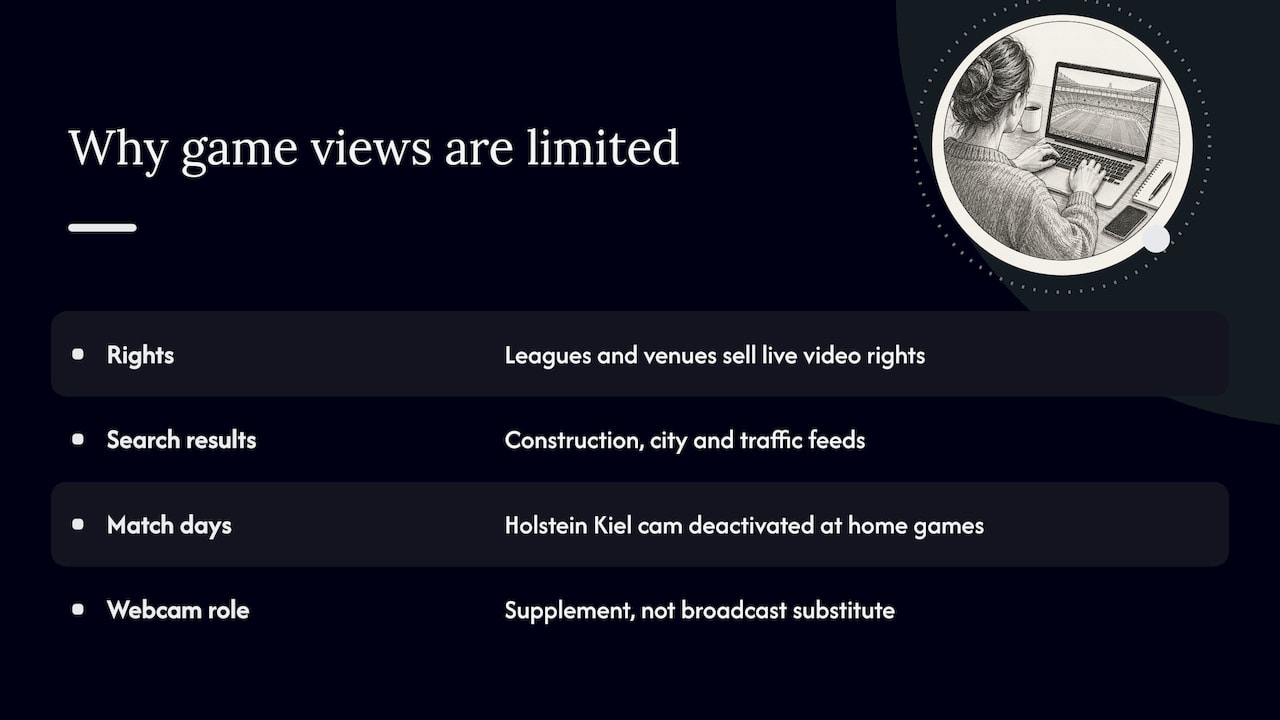
Sports leagues and venues sell their live video through broadcast and streaming rights. That is why a search for stadium webcams returns construction pages, city camera collections and traffic feeds rather than a window into a stadium on game day.
You can see the rights logic in the smallest details. The football club Holstein Kiel runs a construction webcam for its stadium rebuild, and its own page says the camera is deactivated on home match days and at occasional other times for organizational, media and event-rights reasons. That is a good model of what to expect: a public camera that exists for a purpose (showing building progress) and steps aside when the event itself becomes the valuable content.
So if you plan a trip around a game, a webcam is not a substitute for the official broadcast, the team’s app or the venue’s own event information. It is a supplement for things like seeing how a site looks right now, getting a feel for the neighborhood or watching a project take shape.
Construction cams: the most common stadium view
Construction cameras are the largest category of public stadium webcams, and they have a predictable life cycle. They launch when groundwork begins, they often add time-lapse clips as milestones are reached, and they are retired when the building opens or the contractor removes the equipment. The Las Vegas ballpark project, for instance, was announced with a live view of the site while crews worked, and it was a multi-year build, so the camera’s useful life was tied to the construction schedule rather than to any season.
What to expect from a construction cam:
- A wide, fixed frame. Construction cams are usually mounted high and aimed at the whole site, so you see cranes, steel and earthwork rather than individual workers.
- Pauses and gaps. Sites go dark at night, on weekends and during weather stops. A static image can simply mean nothing is happening.
- Changing angles. Cameras get moved as the work progresses, so a view that framed the whole site early on may show only part of it later.
- An end date. When the project finishes, the page may stay up with an archive, a final image or nothing at all.
If you want to see a related example on GlobeWebcams, the Olympiaturm Munich construction webcam at the TUM Campus in the Olympiapark shows how a site view tied to a large sports and events district is presented, with its provider and location details on the page. It is a campus construction view in that park, not a view of a match.
How to tell what a camera really shows
A page titled “stadium cam” does not guarantee the stadium is the subject. The Cleveland Browns construction camera of the late 1990s, documented in a personal archive of the project, is a good illustration: the stadium construction was in the foreground, but local and highway traffic, water and sailing vessels were also in view. The same ambiguity shows up in modern feeds. Here is a practical check you can run in a few minutes.
Step 1: Read the page, not just the title
Look for the provider’s name, a location description, the direction the camera faces and any statement of what it covers. A trustworthy page tells you who runs the camera and links to the original source. If it only says “stadium cam” with no owner, treat it with caution.
Step 2: Match landmarks to a map
Open the image beside an online map and a few street-level photos. Find fixed features: a distinctive roofline, a bridge, a road junction, a tower. Research on identifying public cameras from their imagery shows that camera location and orientation can be estimated from visible points, lines, maps and photographs, while height and vegetation can introduce error. In plain terms, two or three matching landmarks are a strong sign, one is not.
Step 3: Check the timestamp and refresh behavior
A time overlay burned into the image is the best evidence that you are seeing something recent. If the clock is missing, compare shadows, lighting and weather against what you would expect at your local time at the location. A frozen frame with the same clouds for hours is a stale feed, not a quiet day.
Step 4: Judge how much of the stadium is in frame
A camera across the street can still be a genuine stadium view, as the Cleveland example above shows. But a camera that shows the stadium as a distant shape cannot tell you anything about the field, the gates or the crowd. Decide whether the angle answers your question before you rely on it.
Our guide to verifying city skyline webcams walks through the same method for wide urban views, which is where most distant stadium glimpses live.
Where the feeds come from
Behind a public stadium image there is usually one of a few kinds of provider:
| Source type | What it typically shows | Who controls it | Typical limits |
|---|---|---|---|
| Team or club construction cam | Building site, sometimes with time-lapse | The team or its contractor | Ends when the project ends; may pause for events |
| City or tourism camera | Skyline or district with a stadium in frame | City, tourism body or a private building owner | Stadium may be distant or partly hidden |
| Transportation agency camera | Roads and interchanges near a venue | Highway or traffic authority | Shows traffic, not the venue itself |
| Venue sports camera system | Games and practices | Venue, school or league | Usually access-controlled for ticket holders or subscribers |
For venue systems, the technical route is often an ordinary IP camera. A streaming service for sports venues explains that its approach works with existing venue IP cameras that support RTSP, making them viewable in a browser or embedded player through a stream link or player code. That is why a school field camera or a local ballpark can have a public embed at all: the venue chooses to publish it. It is also why you should assume that a feed belongs to someone, and that the owner decides when and how it appears.
GlobeWebcams does not own or operate any of these cameras. We list public or authorized views, link back to the original provider and apply source-rights, availability and quality checks before a page is published. When you want the real feed, follow the provider link.
Why a stadium webcam goes offline or looks wrong
Most problems have dull causes. Knowing them saves you from reading too much into a blank or odd image.
- Connection or power loss at the venue. The help center of a venue camera platform notes that a broadcast may fail to start if venue cameras have lost their internet connection or were offline, and that power loss or an unstable connection can cause viewing issues. A slow venue connection can also leave a game unavailable until it finishes uploading.
- Rights and event restrictions. As the Kiel example shows, owners can deliberately switch a camera off on match days.
- End of a project. Construction cams are temporary by design.
- Weather and lighting. Fog, rain on the lens, glare and darkness can make a working camera look broken. Night views of stadium lights are often just bright blobs.
- Moved or repurposed cameras. A camera that once framed a site may be repointed.
If an image has not changed for a long time, the correct reading is “unverified,” not “nothing is happening.” We do not describe any camera as live or operational unless current source evidence supports it, and you should apply the same standard when you share a link or plan around a view.
Privacy and what cameras can capture
Stadium areas are crowded, and wide shots can include recognizable people. Privacy regulators have addressed this directly. The European Data Protection Supervisor’s video-surveillance guidelines say organizations should limit surveillance to what is strictly necessary, using appropriate resolution and restricted recording times, and they treat live monitoring or broadcasting as covered even when no footage is recorded, where personal data is captured. Those guidelines apply to European Union institutions, and rules differ by country, so they are a reference point rather than a universal rule.
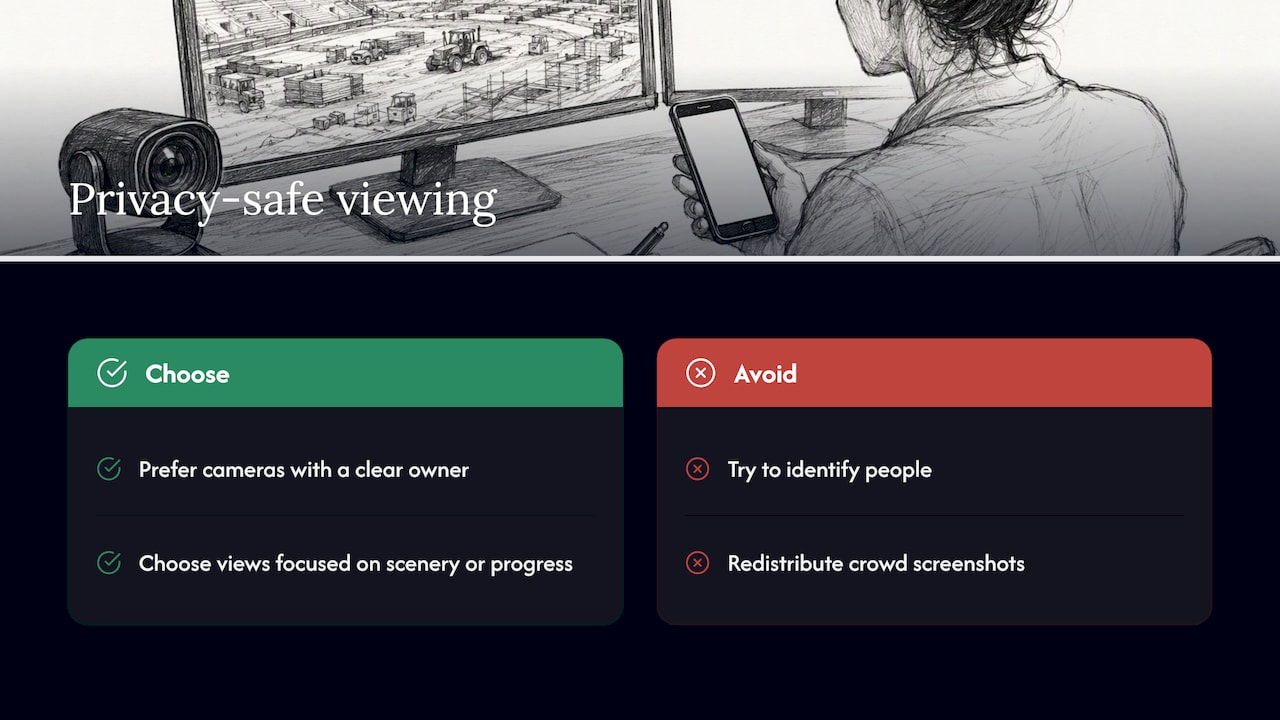
For viewers, the practical takeaway is simple. Prefer cameras with a clear owner, a stated purpose and a view designed for scenery or progress rather than individuals. Do not try to identify people in a feed, and do not redistribute screenshots of crowds.
Using stadium webcams for trip planning
Used well, these views are a useful planning aid. Used badly, they create false confidence. A few ways to put them to work:
- Get oriented. Before a trip to a stadium district, a skyline or construction view helps you see how the venue sits in the neighborhood and what is around it.
- Follow a build. If you are planning to visit a new stadium, a construction cam shows whether the project looks anywhere near completion, though the official opening information remains the authority.
- Check the surroundings, not the event. A camera on a nearby road or tower can give a rough sense of the sky and the area, but not an answer on traffic, safety or whether an event is happening.
- Cross-check with official sources. For game-day logistics, use the team, venue and transportation agency pages. For road conditions, use the highway authority’s own information. We do not advise relying on webcam imagery alone for weather, road, travel or safety decisions.
If your trip also involves flights or the coast, the same verification habits carry over: see our guides to airport webcam views and verified sources and coastal webcams and their timestamps.
Browse verified views on GlobeWebcams
GlobeWebcams is a worldwide, map-first directory of public and authorized webcams, organized by country, category and place. If you are looking for views near a particular venue, start from the United States webcams page or the worldwide webcam map, then narrow by place and category. Each webcam page names its source and links to the original provider, so you can check the feed where it is published.
A quick checklist before you trust a view
- Does the page name the provider and link to the original source?
- Is there a visible timestamp, and does the lighting match the local time?
- Can you match two or three fixed landmarks with a map or street photos?
- Is the stadium actually the subject, or only part of a wider scene?
- Is the camera tied to a project or season that may have ended?
- For any decision about travel, roads or safety, have you checked the official source?
If you can answer yes to the first four, you have a reasonable stadium view. If not, treat the image as background and go to the provider.
FAQ
Can I watch a live game through a stadium webcam?
Usually not for free. Game video is typically controlled by the team, league or venue and offered through official broadcasts or subscription services. Public stadium webcams are mostly construction cams, skyline views and nearby traffic cameras.
Are stadium construction cams available all year?
Only while the project lasts, and sometimes not even then. Owners can pause a camera for event or rights reasons, as one German club does on home match days, and the camera is usually retired when construction ends. Check the provider’s page for current status.
How do I know a webcam shows the stadium and not just a nearby road?
Match fixed landmarks in the image, such as rooflines, bridges and junctions, against a map and street-level photos. Then read the page for the provider’s description of the view. A few matching features are strong evidence; a single one is not.
Why is the stadium webcam I found blank or frozen?
Common causes are a lost internet connection or power outage at the venue, a camera taken offline for event restrictions, bad weather or darkness, or a project that has ended. A frozen image with no timestamp should be treated as unverified.
Does GlobeWebcams operate these cameras?
No. We list public or authorized webcams, credit the original provider and link to its page. The provider owns and operates the camera and decides what it shows and when.
Sources
- Newsweek: NFL stadium construction livestreamed for fans
- Coliseum: Vegas ballpark construction cam
- Sports Video Group: free live video feed from FirstEnergy Stadium
- Holstein Kiel: stadium rebuild and construction webcam
- Cleveland Browns Stadium construction notes
- Identification of location and camera parameters for public cameras (Mathematics, 2022)
- Live streams of sports events from IP cameras
- Spiideo Help Center: FAQ for fans and viewers
- EDPS video-surveillance guidelines
Recommended
- Cruise Port Webcams: Official Views and Five…
- Airport Webcam Views: Finding Verified Sources
- Live Train Webcams: How to Verify a Feed Before…
- Verify City Skyline Webcams in One Click
Webcam availability and conditions can change without notice. GlobeWebcams does not operate most listed cameras; feeds and imagery remain under the control of their original providers. Do not rely on webcam imagery alone for weather, road, travel or safety decisions.