Lighthouse Webcams: How to Find and Read Them

A lighthouse webcam shows a coastline, harbor or lake from a tower, a keeper’s house or a nearby mast. The best ones come from the agency or group that looks after the site, and they say how the image is delivered. This guide covers what these cameras show, how to find a working one for a specific lighthouse, how to tell live video from a still that refreshes, and why a search for “Lighthouse Point” returns so many unrelated cameras.
One rule runs through all of it. A webcam shows a moment at one place. It is not a forecast, a marine report or a road notice, so use it as context and not as the basis for a safety decision.
GlobeWebcamsExplore Lighthouse Views WorldwideBrowse public and authorized webcams by location, country, category and source to discover coastal views and check current outdoor conditions.Explore webcams on the mapTL;DR
- Lighthouse cams show sea state, sky, ship traffic, beaches and harbor entrances. Some are video streams and some are still images that refresh every few minutes.
- The most dependable cameras are run by park agencies, port authorities and local associations. They usually state how often the picture updates and which way the lens points.
- “Lighthouse Point” is a common place name, so one query leads to many different cameras in different states and provinces. Check the town and state before you trust the view.
- Cameras go offline for restoration, power loss and maintenance. A frozen timestamp or a note on the provider’s page is the first thing to check.
- Never rely on a camera alone for weather, surf, road or boating decisions. Pair it with official forecasts and local notices.
Table of Contents
- What a lighthouse webcam actually shows
- How to find a webcam for a specific lighthouse
- Why “Lighthouse Point” shows so many different cameras
- Live video or refreshed still: how to tell
- Reading the view without over-reading it
- When a lighthouse webcam is offline or looks out of date
- Lighthouse views beyond the tower
- Find lighthouse and coastal cameras on GlobeWebcams
- FAQ
- Sources
What a lighthouse webcam actually shows
A lighthouse is built where land, water and shipping meet, so its camera usually shows one of three things: the view from the lantern gallery, the tower from the ground, or a harbor entrance and water the tower overlooks. The three give you different information.
The view from the top. This is the panorama a visitor would see after climbing. At Gateway National Recreation Area in New Jersey, the National Park Service launched the “Sandy Cam” to broadcast views of Officers Row, sunrise over the Atlantic and ship traffic from Sandy Hook. The same page explains that the camera lets people with walking impairments, and people anywhere in the world, see the view without climbing 95 steps and a steep ladder. That accessibility point is a good reason these cams exist, beyond curiosity.
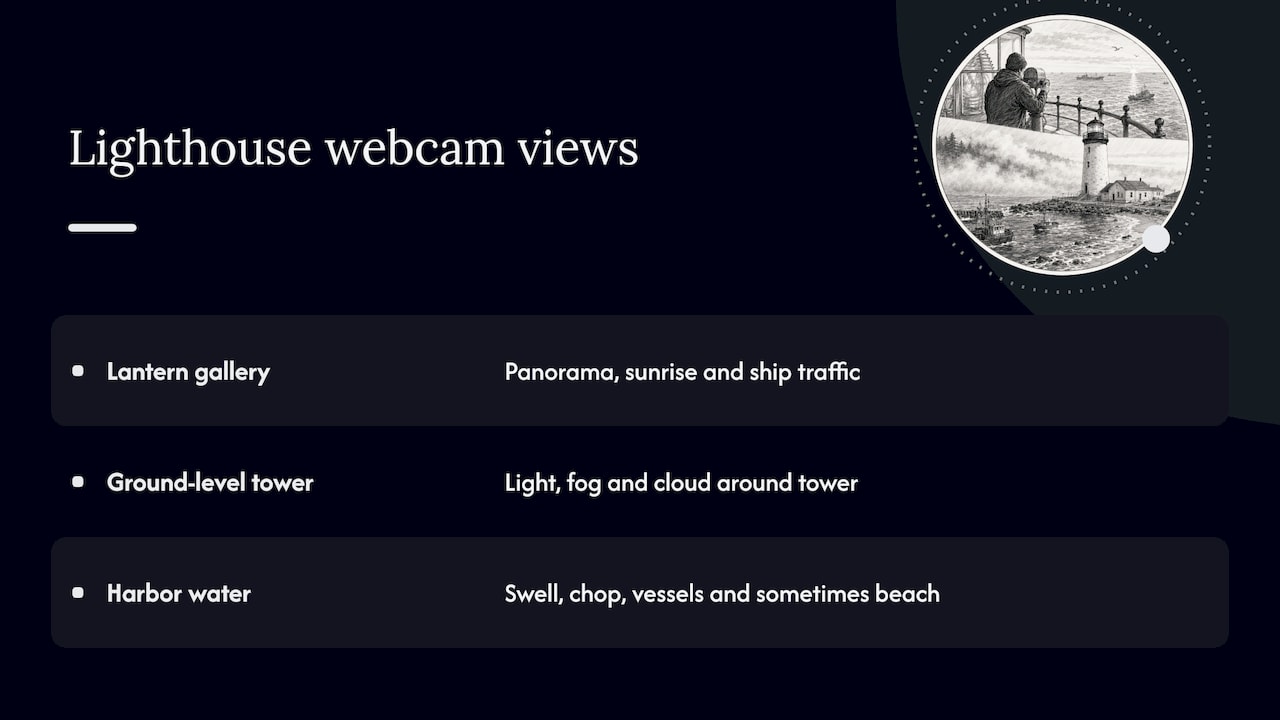
The tower itself. A camera aimed at the structure is useful for light, fog and cloud. If you plan to visit and want to know whether the tower is in clear sky or wrapped in marine layer, a ground-level view tells you quickly. It says little about conditions out on the water.
The water and shoreline. Cameras on a breakwater or pier light often point at the harbor mouth. They show swell, chop, vessel movements and sometimes a beach. Surf watchers use these a lot, though a surf break and a lighthouse share a name only in some places. For a method to check wave cams against other data, see our guide to live surf webcams.
Weather, surf, beaches, harbors and traffic
Here is what each kind of lighthouse view can and cannot tell you.
| What you want to know | What a lighthouse cam can show | What it cannot show |
|---|---|---|
| Cloud, fog, visibility | Whether the horizon is visible right now | Whether fog will lift or arrive later |
| Sea state | Breaking waves and chop in the frame | Wave height, period or tide timing |
| Beach conditions | Crowds, sand, water color | Water quality, rip currents, closures |
| Harbor activity | Ships and boats passing the entrance | Schedules, delays or restrictions |
| Nearby roads | Only if the lens points at one | Traffic conditions beyond the frame |
The last row matters because some cameras that carry “lighthouse” in their name are really traffic or street cameras. A search result for a Biloxi lighthouse webcam, for example, may describe a view of a nearby intersection and not the tower. The name tells you where the camera is mounted or what landmark it sits near, not what it points at.
How to find a webcam for a specific lighthouse
Start with the organization that looks after the lighthouse. Cameras at historic towers are often installed by the owner or in partnership with a friends group, and the provider’s page is where the status and rules are stated.
- Check the park or site page first. Many U.S. lighthouses sit inside national parks or seashores. The National Park Service keeps webcam pages for individual units, such as the webcams page for Point Reyes National Seashore. Cape Hatteras National Seashore groups its tower views on a virtual lighthouse experiences page, which describes a webcam atop the Cape Hatteras Lighthouse installed in 2021 with Outer Banks Forever.
- Look for port and harbor authorities. Commercial harbors often put cameras on their own lighthouses. Dublin Port, for instance, describes three webcams that connect the port to a global audience, including one at the Poolbeg Lighthouse.
- Try local associations and lake groups. On the Great Lakes and inland lakes, community groups often host cams at breakwater lights, usually with a water-quality or boating focus.
- Use a map-based directory. If you do not know who runs the camera, a directory that links back to original providers saves time. On GlobeWebcams you can browse United States webcams, Canada webcams or Australia webcams by country and then narrow to a place or category.
If the park you want is a national park, our guide to finding national park webcams fast shows the map search step by step. Coastal and island units can be good starting points, for example the Boston Harbor Islands, where lighthouses and island views share the same stretch of water, or Isle Royale in Lake Superior, where the lake and shoreline views stand in for the open-water scenes that lighthouses frame elsewhere.
Why “Lighthouse Point” shows so many different cameras
The name Lighthouse Point belongs to a city, parks, beaches, headlands and surf breaks, and there is no single camera behind it. A search can return a town in Florida, a surf spot, a state park and a private beach in the same list. They share a phrase and nothing else.
Before you click, check three things:
- The state or province. The page title and address should match the place you mean.
- The kind of feature. A city name, a surf break and a tower are different things, and each has its own cameras.
- The provider. A camera run by a town, park agency or lake association should say so on its page. If it does not, look for another source.
The same applies to other repeated names. Many coasts have a Point Lookout, a Cape Light or a Harbor Light. When a name is common, put the place name in front of it in your search.
Live video or refreshed still: how to tell
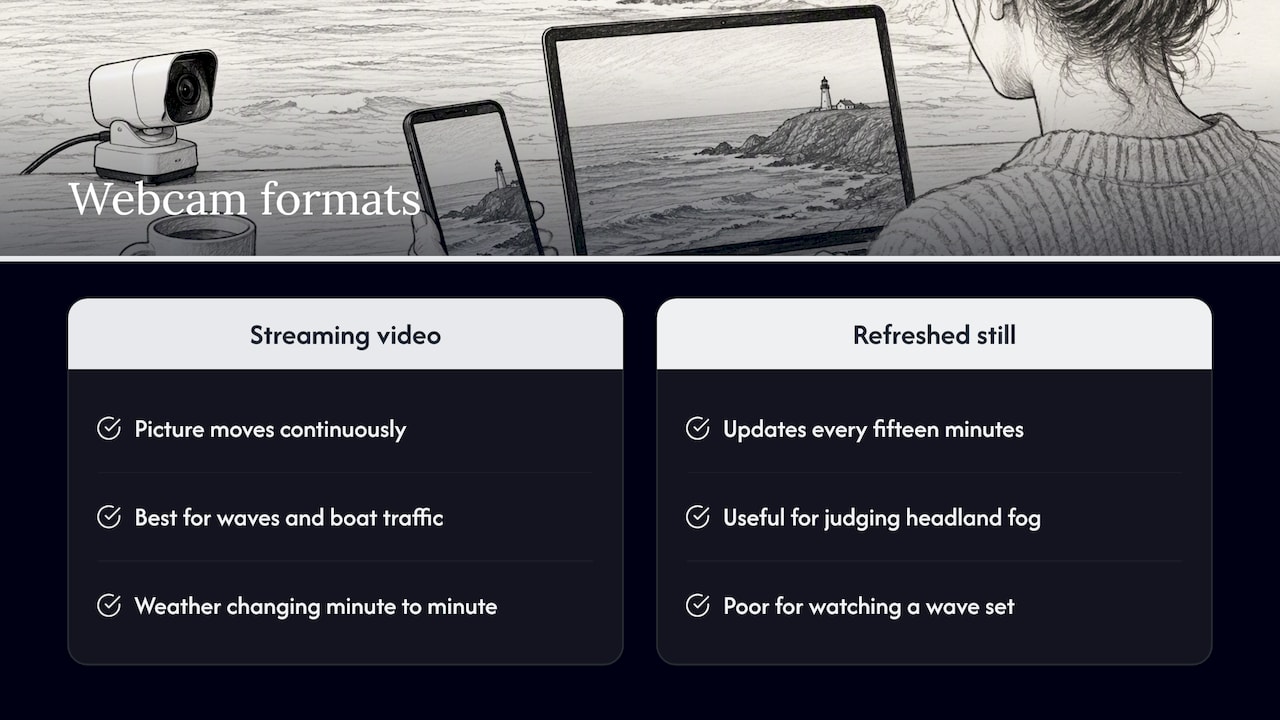
Most people use “live cam” to mean anything that updates. In practice there are two formats, and they suit different uses.
Streaming video. The picture moves continuously. This is best for waves, boat traffic and weather that is changing minute to minute. Gateway’s Sandy Cam was planned with four live-streaming cameras viewable 24 hours a day, though only two were active when the park announced it. That gap between plan and reality is common. A project can list more cameras than are working.
Refreshing still images. A still updates at a set interval. At Point Reyes, the park’s page describes one beach image that refreshes every fifteen minutes while another camera is a livestream video. Both are legitimate. A fifteen-minute still is fine for judging fog on a headland. It is a poor tool for watching a wave set.
Deliberate delays. Some operators hold the feed back on purpose. Dublin Port says its webcam feed carries a built-in ten-minute delay, which gives its Vessel Traffic Service time to cut the stream if needed. If you are watching a ship enter a harbor, the ship may already be docked.
A quick checklist for any lighthouse cam
- Is there a timestamp, and does it match the local time at the site?
- Does the page state the refresh interval or say it is video?
- Does it say which direction the lens faces?
- Does the lighting fit the hour? A bright image at what should be dusk is a warning.
- Do waves, clouds or boats move between two views a minute or two apart?
No single check proves a feed is current. Several together are a good guide, and the provider’s own page is the final word.
Reading the view without over-reading it
A lighthouse camera is a narrow window. It records what the lens points at, under the light at that moment, and the lens may be pointed at the tower, the sea or the car park.
For trip planning, the useful approach is to separate general information from current conditions. General information is the stable part: where the lighthouse is, whether its tower opens to climbers, what the coastline looks like, which way the lens faces. Current conditions are the changing part: fog, swell, crowds, whether the camera is working. A webcam helps with the second only while its source shows it is working.
For anything affecting safety, go to official channels. Boating, swimming, driving to a coastal site or going out on a jetty are decisions for the marine forecast, the local authority and any posted closures. In Japan, for example, the Japan Coast Guard provides vessel operators and marine leisure enthusiasts with local weather, sea conditions and live-camera information at Cape Erimo and other sites. That pairing, a live camera beside official marine data, is the right model for any country.
When a lighthouse webcam is offline or looks out of date
Lighthouse cameras are outdoors, at the edge of land, often far from mains power. Failures are normal.
Planned work. The Cape Hatteras page was updated to say the Cape Hatteras Lighthouse webcam was offline due to the restoration project. Restoration can mean scaffolding or closed access, and it can change whether the view is available. Check the provider’s page for the current status before you plan around a camera.
Power and connectivity. Remote cameras need creative engineering. Dublin Port’s Poolbeg Lighthouse camera runs on hybrid solar and wind power and sends footage by point-to-point radio almost four kilometers back to the port. A long run of poor weather can interrupt a system like that.
Your own browser. Sometimes the camera is fine and the page is stale. One Great Lakes research group advises that if an image does not appear updated, you should clear your web cache and browser history, then refresh the page. Try that, or open the page in a private window, before you decide the camera is down.
If it still looks stuck:
- Compare the timestamp with the clock at the site.
- Look for a status banner or notice on the provider’s page.
- Check whether the park or port has posted about maintenance or restoration.
- Try again later, since many outages clear within hours.
- If the camera has been gone for a long time, look for another view of the same stretch of coast.
Lighthouse views beyond the tower
Some of the most interesting coastal cameras sit near lighthouses without being on them. Redwood’s coast, for example, shows what fog does to a headland. See Redwood National and State Parks webcams for that type of scenery. Port cameras show the same working-harbor context that lighthouses once served, and our guide to cruise port webcams explains how to read official port views.
The same habits apply on lakes and mountains, where a camera is a quick look and not a report. If you like watching changing light at a distance, the Hawaiʻi Volcanoes and Rocky Mountain pages work the same way as a coastal cam: a park-run view, a source link and your own judgment about what it tells you.
Find lighthouse and coastal cameras on GlobeWebcams
GlobeWebcams is a discovery directory, not a camera operator. We do not own or run the cameras listed. We link back to the original providers and apply source-rights, availability and quality checks before a page is published. Use the worldwide webcam map to zoom to a coastline, or open a country page and filter by category such as water or scenic views. Our sources page explains where listings come from, and each page links to the provider so you can confirm the current status yourself.
FAQ
What is the best lighthouse webcam?
There is no single best one, because it depends on what you want to see. For a view from the top of a historic tower, look for park-run cams. For sea state, look for a cam pointed at the water with a stated refresh rate. A camera from the lighthouse’s owner or the port is usually the most reliable.
Are lighthouse live cams really live?
Some are streaming video and some are still images that refresh every few minutes. Some carry a deliberate delay. The provider’s page should say which one it is, and a timestamp that matches local time is a good sign.
Why does a lighthouse webcam show an old image?
The camera may be offline for maintenance, restoration, power loss or a network fault. Your browser may also be showing a cached copy. Clear the cache and refresh, then check the provider’s page for a status note.
Can I use a lighthouse webcam to decide whether it is safe to go out on the water?
No. A webcam shows one view at one moment. For boating, swimming or driving, use the official marine forecast, local authority notices and posted closures, and treat the camera as extra context only.
Sources
- Sandy Cam broadcasts live views from Sandy Hook (National Park Service)
- Webcams, Point Reyes National Seashore (National Park Service)
- Virtual Lighthouse Experiences, Cape Hatteras National Seashore (National Park Service)
- Dublin Port’s Window to the World: How Three Webcams Are Connecting Dublin to a Global Audience
- Current Data (Illinois-Indiana Sea Grant)
- Coastal area information system, Japan Coast Guard
Recommended
- Fishing Pier Webcams: How to Pick One and Read…
- Harbor Webcams: How to Check Whether a Feed Is…
- Cruise Port Webcams: Official Views and Five…
- 5 Quick Checks Boaters Use to Trust Marina…
Webcam availability and conditions can change without notice. GlobeWebcams does not operate most listed cameras; feeds and imagery remain under the control of their original providers. Do not rely on webcam imagery alone for weather, road, travel or safety decisions.