Webcam Streams Online: How to Find, Watch and Check Them
You can watch webcam streams online for free. Most public cameras run on city, park, road agency, weather or tourism sites, and a browser is all you need. The harder part is knowing which streams are current, who runs them and what a picture can and cannot tell you. This guide covers how to find streams by place and category, how to check that one is live, and what to do when it goes dark.
GlobeWebcamsFind Webcam Views by PlaceBrowse public or authorized webcams by location, country, category and source using GlobeWebcams’ interactive global map.Explore webcams on the mapTL;DR
- Most public webcam streams are free to watch in a browser. Some providers add ads, and a few offer paid extras or apps.
- Find streams by place (country, city, landmark) or by category (beach, ocean, wildlife, traffic, skyline). A map speeds up browsing.
- Check a stream before trusting it: look for a moving timestamp, compare two views a few minutes apart, and find the provider that runs the camera.
- A webcam shows one view at one moment. It does not replace official forecasts, road reports or beach safety flags.
- When a stream is offline, try the original provider’s page, wait, and look at a nearby camera.
Table of Contents
- What webcam streams online actually are
- Where to watch free webcams online
- How to find the right stream by location or category
- How to tell whether a stream is live and current
- Using webcams to plan a trip or check conditions
- What to do when a webcam is offline or out of date
- Explore the map
- Good habits for watching webcams online
- FAQ
- Sources
What webcam streams online actually are
A webcam stream is a camera feed published on the web. Some deliver true video. Others refresh a still image every few seconds or minutes. Both get called “live,” and the difference matters when you plan around what you see.
The range of scenes is wide. National Geographic’s guide to 25 live cams listed places such as Jackson Hole in Wyoming, Tsavo East National Park in Kenya, Katmai National Park in Alaska, Niagara Falls, Tokyo, Times Square, the Eiffel Tower and Antarctica. That list dates from 2018, so treat it as a picture of the variety. Individual feeds come and go, and you should confirm any one of them today.
In practice, public webcams fall into a few groups:
- Weather and outdoor conditions: mountain passes, ski areas, harbors, lakes, beaches.
- Nature and wildlife: nesting birds, waterholes, reefs, volcanoes.
- Cities and landmarks: skylines, squares, bridges, monuments.
- Transport: road and traffic cameras run by transport agencies.
Each group has different owners, update rates and quirks, which is why it helps to know who is behind a feed.
Where to watch free webcams online
Free live webcams come from four kinds of operators.
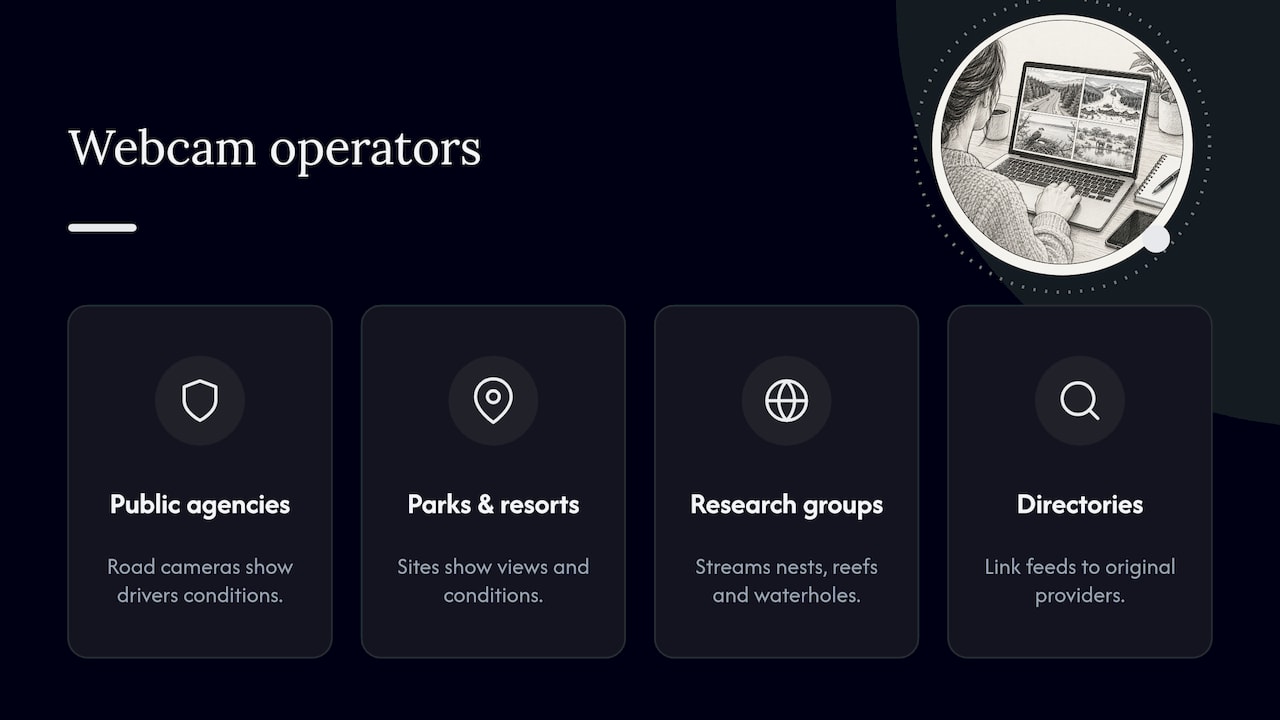
Public agencies. Transportation departments publish road cameras so drivers can see conditions. The Nevada Department of Transportation offers a statewide camera map and live traffic video, and says the cameras help drivers decide whether to travel or detour. Other state agencies and national weather services run similar pages.
Parks, harbors and resorts. National parks, port authorities, ski areas and hotels often put cameras on their own sites to show the view and conditions.
Conservation and research groups. Wildlife and ocean projects stream nests, reefs and waterholes, often at set hours or seasons.
Directories. A directory gathers many of these feeds in one place and links back to the original provider. That is the role we play. GlobeWebcams does not own or operate the cameras. We organize public or authorized webcams by location, country, category and source, so you can browse from one place and still reach the provider.
Free does not always mean unlimited
Expect a few limits when you watch webcams for free:
- Ads on the page, which is how many free sites pay for hosting.
- Lower resolution or slower refresh than a paid or app-based version.
- Daytime-only views, since many cameras show little after dark.
- Seasonal operation. Wildlife cams often run only during a nesting or migration season.
- Regional restrictions on a few provider sites.
The terms belong to each provider, so check the provider’s page for what it permits, especially if you want to embed or reuse footage. Watching is one thing. Reusing a stream is another, and it is not automatically allowed just because the feed is public.
How to find the right stream by location or category
Searching “free webcams online” returns thousands of pages. A faster route is to decide what you want to see first.
Start with the place
If you are planning a trip, begin with the destination. Our Worldwide Webcam Map lets you pan across the globe and open cameras near a point. For a country-level view, the United States webcams and Canada webcams pages group feeds by place, and the full public webcam directory lets you page through everything.
Start with the category
If you care about a type of scene, go by theme. Our guides cover several:
- Coastal webcams for beaches, piers and shorelines.
- Harbor webcams for ports and marinas.
- Underwater webcams for reefs and aquariums.
- Wildlife webcams and safari live cameras for animals.
- Live nature webcams for forests, mountains and parks.
- City skyline webcams and city landmark webcams for urban views.
Searching for ocean webcams
Ocean webcams are among the most searched. Look for cameras that face open water from a beach, pier, lighthouse, harbor or headland. The name of the spot and the camera’s direction tell you more than the word “ocean.” A view of a harbor mouth shows something different from a view of a surf break. Look for a description that says which way the camera points and what the provider calls the location.
Browse by source
Some of the most dependable public cameras come from government networks. Our source pages show where particular feeds originate, for example Fintraffic’s Digitraffic weather cameras in Finland and the Deutscher Wetterdienst open data webcams in Germany. If you know the operator, you can often judge a camera’s purpose and update pattern at a glance.
How to tell whether a stream is live and current
A page that says “live” is a claim, not proof. Here are checks anyone can do in a few minutes.
- Find the timestamp. Many cameras burn the date and time into the image. Check that it matches the clock where the camera is, allowing for the time zone.
- Compare two views. One developer’s write-up on checking whether a 24/7 webcam is really live suggests loading the same feed twice with real time between the loads, with ten minutes being plenty for most cameras. If the content advances with the clock, the feed is moving. If it is fixed or resets, it may be a loop. Treat this as a practical rule of thumb rather than a formal standard.
- Look for movement that fits the place. Shadows should shift through the day. Tides should change over hours. Traffic should thicken and thin.
- Match it to the weather. If a camera shows bright sun while a nearby official report shows heavy rain, something is off. Either the image is old or the report covers a different spot.
- Find the original provider. A directory page that links to the provider lets you confirm the source, the update rate and the terms.
These checks show whether a feed moves with the clock. They say nothing about wave height, current strength, wind or road surface. For a deeper walkthrough, see our guide to verifying travel and nature webcams, and our methodology page explains how we approach source rights, availability and quality checks before publishing a webcam page.
Video, refreshed stills and archived clips
Three formats sit under the same label:
| Format | What you see | Good for | Watch out for |
|---|---|---|---|
| Streaming video | Continuous motion | Wildlife, busy squares, surf | Buffering, outages, ads before play |
| Refreshing still | A new image every few seconds or minutes | Road, mountain and weather views | A stale image that looks current |
| Time-lapse or replay | Sped-up or recorded footage | Seeing changes over a day | Not a view of the present moment |
If a page does not say which format you are watching, the timestamp check above tells you.
Using webcams to plan a trip or check conditions
Webcams are useful context. They let you see a beach before you pack, a harbor before you book, or a mountain pass before you look up the official report. A few ways to use them well:
- Destination discovery: scan a city skyline or main square to get a feel for the place and its surroundings.
- Timing a visit: check the same camera at different times of day to see when a viewpoint is crowded or clear.
- Seasonal scenery: look at foliage, snow cover or water color before choosing dates.
- Pairing with official data: treat the camera as a visual check beside the forecast, not instead of it.
What a camera cannot tell you
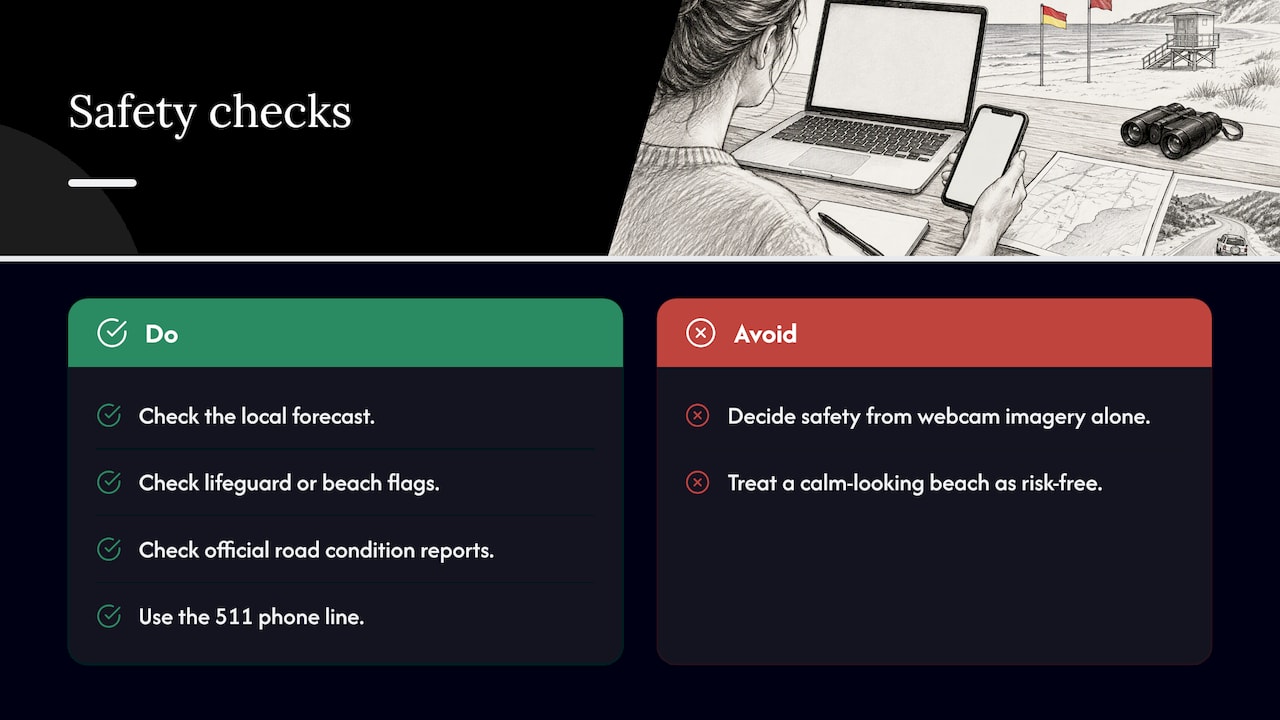
A picture is one angle at one moment. It cannot show a rip current, cold water, wind gusts, ice under a thin layer of snow, or what lies around the next bend. The National Weather Service explains that rip currents can occur at any beach with breaking waves and are rated by risk level from official forecasts. A calm-looking beach on a webcam can still carry that risk. Before you swim or surf, check the local forecast and the lifeguard or beach authority’s flags.
The same applies to driving. Road cameras help, but state transport agencies also publish official road condition reports, and many offer the national 511 phone line. The Nevada DOT page, for example, lists 511 alongside its camera map. Check the official source before you set out, and never decide on safety from webcam imagery alone.
What to do when a webcam is offline or out of date
Every long-running webcam fails sometimes. Power cuts, storms, maintenance, bandwidth limits and season changes all take cameras down. Here is a sensible order of steps:
- Reload the page and try another browser or device, in case the problem is a player glitch.
- Open the original provider’s site. If the provider shows an outage notice, that settles it.
- Check the time. Cameras for night views, wildlife or ski runs may be off by design.
- Try a neighboring camera. Harbors, towns and parks often have several views, and a nearby one can answer the same question.
- Come back later. Many outages clear within hours, but some cameras are retired for good.
- Use another source for the decision. If you need conditions now, turn to the official forecast, road report or local authority.
On our own pages, we link to the original provider so you can reach the source. We apply availability and quality checks before publishing a webcam page, but a camera can still go offline after that, so the provider remains the best place to confirm the current state of a feed.
Explore the map
If you want one place to start, open the GlobeWebcams map and browse by location, or try the public webcam directory to move through countries and categories. Each webcam page points back to its original provider, so you can see who runs the camera and read their terms.
Good habits for watching webcams online
A few habits make the experience better and keep your expectations realistic:
- Note the time zone. A noon view in one country may be a midnight view where you live.
- Respect provider terms. Public does not mean free to copy, record or republish.
- Mind privacy. Public places with people in frame are normal on city cams, but you should not try to identify individuals or use a feed to follow someone.
- Save a few favorites. A short list of trusted cameras for your usual places saves repeated searching.
- Keep a second source. Pair every camera with a forecast, a tide table or an official report.
FAQ
Can I really watch webcams online for free?
Yes. Most public webcams from parks, cities, harbors, resorts and transport agencies are free to watch in a browser. Some sites show ads, and some providers add paid apps or higher quality tiers. Check each provider’s page for its terms.
How do I know a webcam stream is live and not a recording?
Look for a timestamp and check that it matches local time. Then reload the feed after several minutes and see whether the scene has moved on, such as changing light, traffic or tide. If nothing changes or the same clip repeats, it may be a loop or a stale image.
Can I use a webcam to check surf or beach conditions?
It can give you a visual impression, such as crowds, tide level and weather. It cannot show rip currents, water temperature or wind. Use official forecasts and local beach flags for safety decisions, and treat the camera as a supplement.
Why is a webcam showing a black screen or old image?
Common causes are night, a power or network outage, maintenance or a seasonal shutdown. Reload the page, open the original provider’s site for notices, and try a nearby camera. If the problem lasts, the camera may have been retired.
Can I record or reuse webcam footage?
Not automatically. Each provider sets its own terms, and a feed being publicly viewable does not mean it can be copied or republished. Read the provider’s terms or ask the operator before reusing anything.
Sources
- 25 Live Cams to Bring You the World, National Geographic Education
- Traffic Cameras, Nevada Department of Transportation
- Rip Current Information, National Weather Service
- Is that 24/7 webcam actually live? Two pulls, not one frame, DEV Community
Recommended
- How to Verify Travel and Nature Webcams
- Sea Otter Cams: How to Verify a Current Stream
- Live Zoo Webcams in a Couple of Clicks, Find…
- Find Reliable Live Nature Webcams Worldwide: 5
Webcam availability and conditions can change without notice. GlobeWebcams does not operate most listed cameras; feeds and imagery remain under the control of their original providers. Do not rely on webcam imagery alone for weather, road, travel or safety decisions.